Custom templates
Create reusable inspection templates with sections, required fields, conditional logic and field types tailored to the job.

YesInspect gives inspectors and teams one place to create reusable templates, capture field evidence, generate branded PDF reports, and collect signatures before work is delivered.
From template setup to field capture, review, signing and export, YesInspect is designed around the real inspection process.
Create reusable inspection templates with sections, required fields, conditional logic and field types tailored to the job.
Add photos, captions, sketches, barcode scans, contacts, PDF attachments and location snapshots directly inside each report.
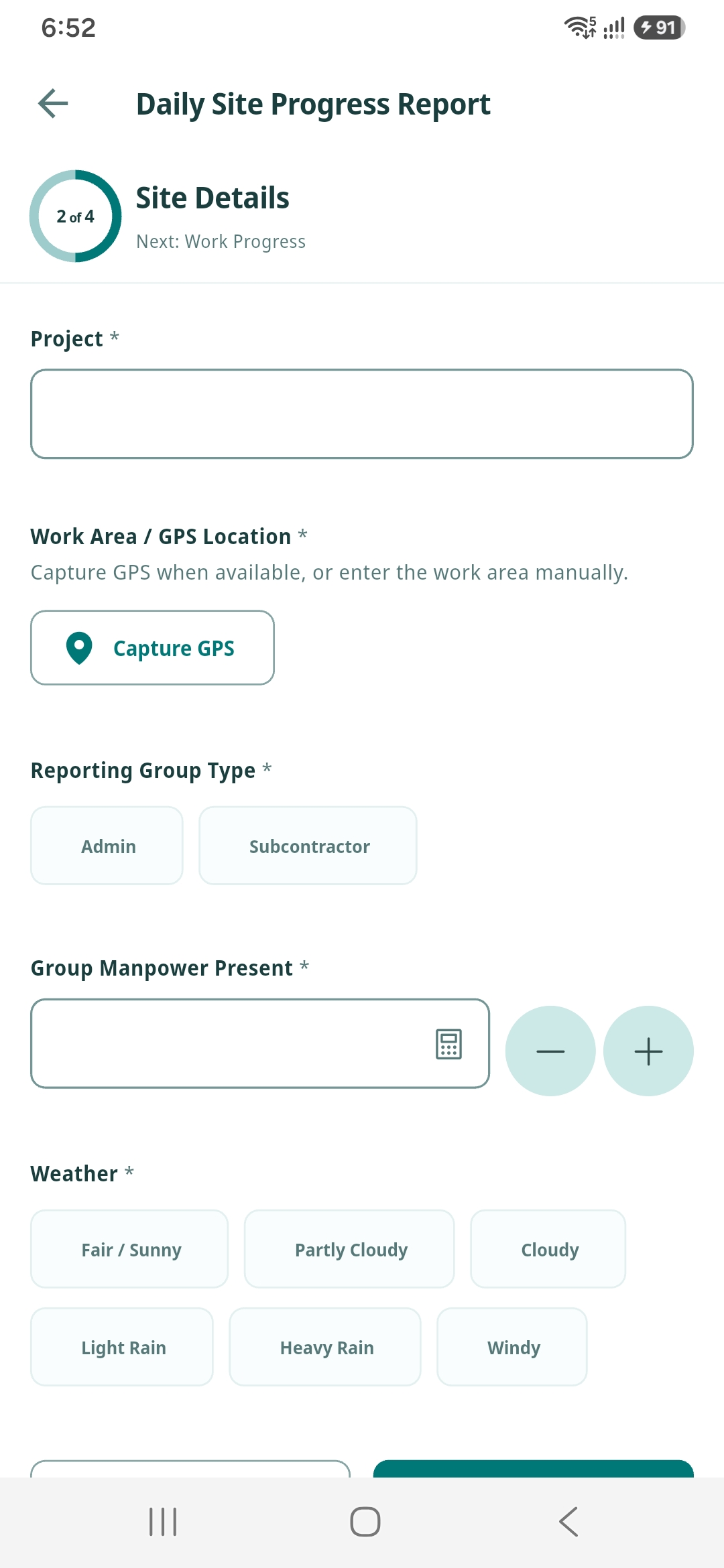
Record inspection locations with GPS coordinates, map snapshots and site notes so every report has clear context.
Collect inspector and reviewer signatures, append approval decisions to completed PDFs, and keep the final report audit-ready.
Keep company logos, report header details, defaults and team branding consistent across every inspector and device.
Access reports, templates, company settings and team activity from supported devices without losing work in the field.
YesInspect keeps the inspection lifecycle structured: start from a template, fill the report on-site, validate required answers, generate the PDF, then route it for review and sign-off.
Select a saved inspection template or build one for a new job type.
Fill fields, attach evidence, scan barcodes, mark up photos and record location data.
Create a clean PDF with branding, answers, attachments and inspection metadata.
Send it to your team for approval and collect signatures before sharing the final PDF.
Invite teammates, share report work, keep templates aligned, and sign reports created by others on your team. YesInspect is built for inspectors, supervisors, contractors and distributed field operations.
Created by Alex • Awaiting supervisor signature
Created by Riley • Corrections requested
Created by Jordan • Approved and exported
Standardize how your team captures work while still giving inspectors flexibility for photos, notes, attachments and field-specific answers.
Rooms, systems, condition notes, photos and signatures.
Hazards, compliance checks, corrective actions and approvals.
Barcode scans, readings, service notes and attachments.
Sections, conditional fields, yes/no choices, dates and more.
Reports, templates, company details, signatures and media belong to your organization.
YesInspect manages local report files, generated PDFs and attachments carefully so work is not lost mid-job.
Permissions are used for inspection features such as camera capture, photos, file import, notifications and location data.

Download the app on iOS or Android and start creating professional inspection reports with your team.

